Extract every object from an image as transparent PNGs
A background remover cuts out one subject. LayerPSD separates everything: each object, text block and decoration becomes its own transparent PNG, named by what it is, plus a background with those areas filled in. Download them as a ZIP, one by one, or as a layered PSD. $0.018 per output image; the desk photo on this page gave 10 cut-outs and a background for $0.20.
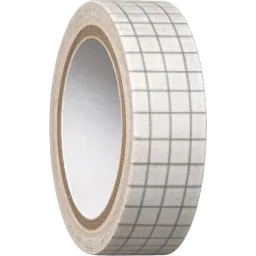
Plaid tape roll
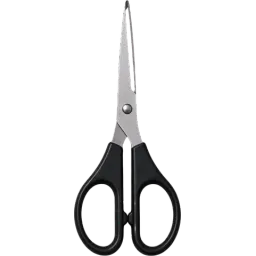
Black-handled scissors
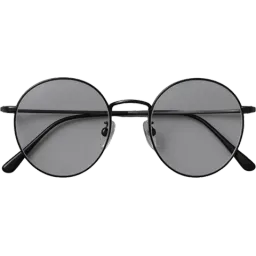
Black-rimmed round glasses
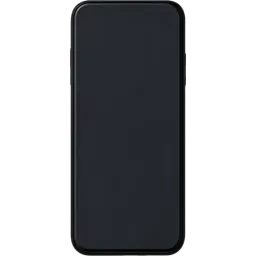
Black smartphone
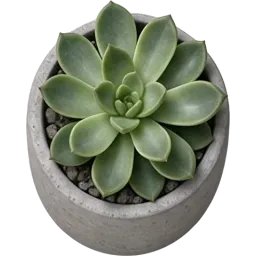
Potted succulent

White cup with black coffee

White over-ear headphones
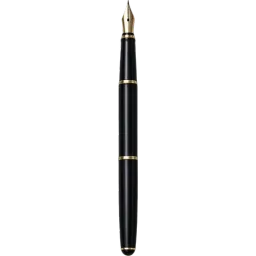
Black fountain pen

Brown kraft paper notebook
10 cut-outs + background · $0.20
Layers
Resolution
Auto finds every element (up to 16 per pass). Billed per output: at most $0.31 for 17 images. Takes about 35–116 s.
New here?
13 images · 138 s · $0.23


Background
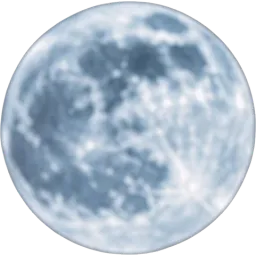
Full moon
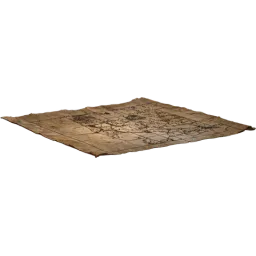
Unfolded old parchment map
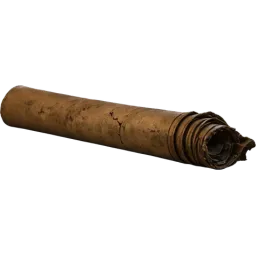
Rolled parchment scroll

Bottom ancient book
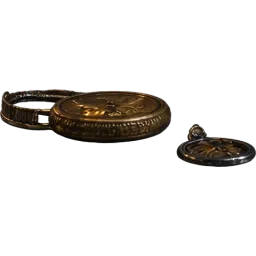
Brass pocket watch and metal trinkets
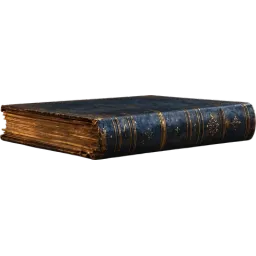
Middle ancient book
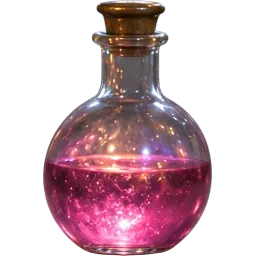
Pink potion vial
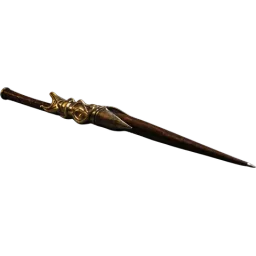
Quill pen with metal cap
Upload an image on the left to split your own.
At a glance
What LayerPSD does, in one table
The same engine runs every page on this site. These are the facts to compare against other tools.
| Feature | LayerPSD |
|---|---|
| Every object separately | Multi-object segmentation: people, products, logos, text and decorations each on a layer, named by content |
| Output | Layered PSD (RGB), ZIP of transparent PNGs, single PNGs, or a PNG of the visible layers |
| Layers | Every element on its own layer: Auto (up to 16 per pass, extra passes for busy images) or a fixed 3, 4, 6 or 8 |
| Speed and size | 35–116 s per split; input up to 50 MB; output 1K, 1.5K or 2K |
Facts checked 2026-09-30 against the published sample runs and LaoZhang list prices. benchmarks.json
How it works
Three steps, one image
- 1
Upload the image
Drop a JPG, PNG or WebP (up to 50 MB), or paste it with Ctrl + V. Nothing to install.
- 2
Split into layers
Seedream 5.0 finds every element, cuts each onto a transparent layer and fills in the background behind it. About 35–116 seconds.
- 3
Download the cut-outs
Download a ZIP of numbered PNGs in layer order, a single layer, or the whole set as a PSD.
What you get
- Every element as its own transparent PNG, not just the main subject
- Files named by content ("perfume bottle", "lilac floral group")
- A background plate with the cut-out areas filled in
- Split any cut-out again if it still holds several things
What it is not (and what to use instead)
Cutting out one person or product
A background remover (remove.bg, Photoshop Remove Background) is faster and often free.
Hair-perfect portrait masks
Use a dedicated matting tool; fine hair and glass edges can be softer here.
Batch processing hundreds of images
Call the LaoZhang API directly; the site handles one image at a time.
By hand vs. automatic
Doing it by hand in Photoshop, and doing it here
You can do all of this in Photoshop yourself. This is what each step takes by hand, and what LayerPSD does instead.
| Step | In Photoshop, by hand | In LayerPSD |
|---|---|---|
| Select each element | Object Selection Tool, then Select and Mask for hair and soft edges, for every object | All elements found in one pass |
| Put it on its own layer | Layer via Copy or a layer mask, one by one | Every element already on a transparent layer, named |
| Time for a 10-element poster | Typically 30–60 minutes | About 1–2 minutes, $0.20 on Flash |
Under the hood
How the split works
Layer decomposition
The image goes to Seedream 5.0 with layer decomposition on. The model detects each element (instance segmentation), returns it as its own RGBA image with a bounding box and a name, and returns a background with the covered areas repainted (amodal inpainting).
Assembly in your browser
Your browser places each layer at its box on the background and writes the PSD, ZIP or PNG locally. Nothing is assembled on a server.
Questions
Short answers on splitting, export and billing. Anything else, email us and a person replies.