Turn a flat poster into an editable PSD
When all you have is the exported JPG or PNG of a poster, flyer, banner or thumbnail, LayerPSD rebuilds it as a layered PSD: headline, subtitle, product, badges and decorations each on their own layer, the background filled in behind them, and text as native Photoshop type layers you can double-click and retype, with stroke, shadow and glow as layer styles (beta). $0.018 per output layer, no subscription.
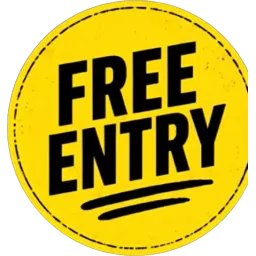
Free entry badge
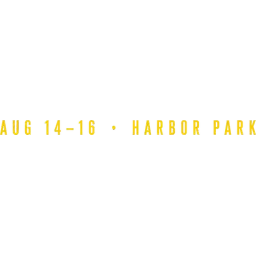
Event date and location text
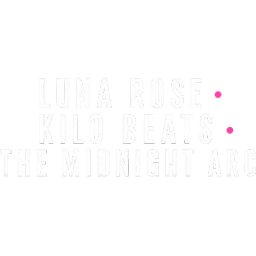
Lineup text block
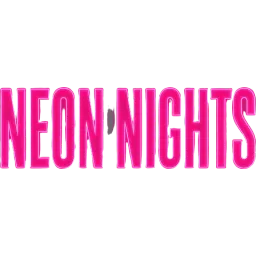
Main headline NEON NIGHTS
Subhead SUMMER FESTIVAL 2026
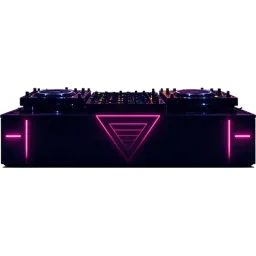
DJ deck equipment
DJ figure silhouette
Right palm tree silhouette
Left palm tree silhouette
12 cut-outs + background · $0.23
Layers
Resolution
Auto finds every element (up to 16 per pass). Billed per output: at most $0.31 for 17 images. Takes about 35–116 s.
New here?
6 images · 56 s · $0.11
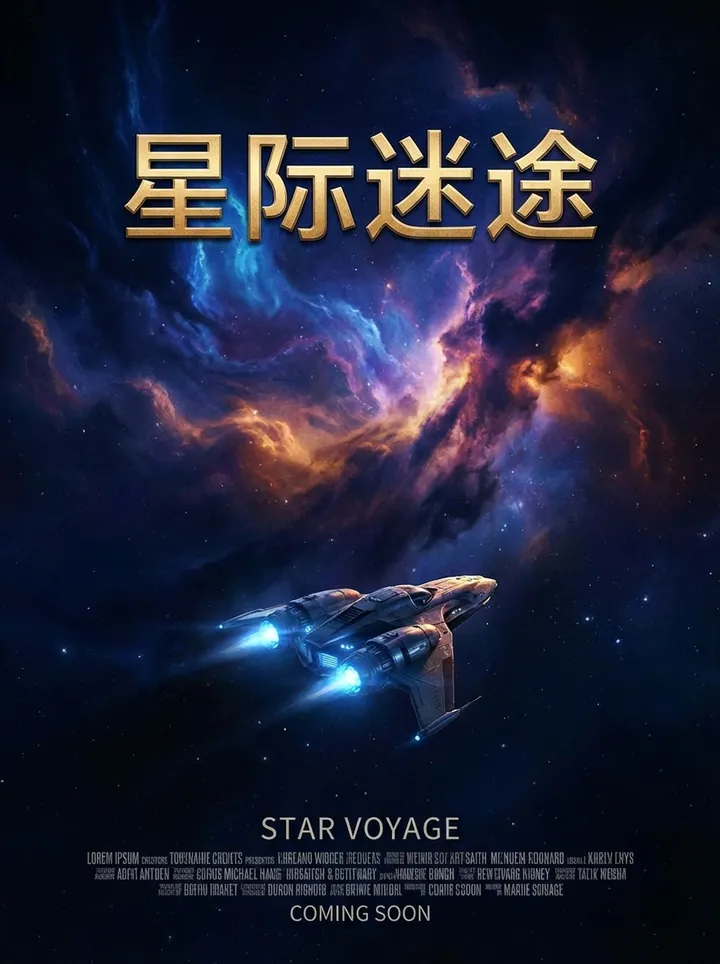

Background

Cast and crew text block

Release notice COMING SOON
English subtitle STAR VOYAGE
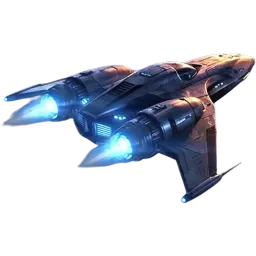
Starship
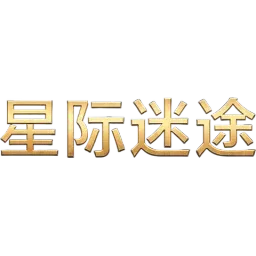
Main title Interstellar Lost
Upload an image on the left to split your own.
At a glance
What LayerPSD does, in one table
The same engine runs every page on this site. These are the facts to compare against other tools.
| Feature | LayerPSD |
|---|---|
| Text | Detected automatically, no brushing. Optional native Photoshop type layers you can double-click and retype; stroke, glow, shadow and gradient become layer styles (beta) |
| Change words, keep the font | The model redraws the new words in the same lettering, including custom and hand-drawn type |
| Output | Layered PSD (RGB), ZIP of transparent PNGs, single PNGs, or a PNG of the visible layers |
| Price | $0.018 per output image on Flash, $0.12 on Pro; background + 4 layers = $0.09. One free try with Google sign-in. No subscription |
Facts checked 2026-09-30 against the published sample runs and LaoZhang list prices. benchmarks.json
How it works
Three steps, one image
- 1
Upload the image
Drop a JPG, PNG or WebP (up to 50 MB), or paste it with Ctrl + V. Nothing to install.
- 2
Split into layers
Seedream 5.0 finds every element, cuts each onto a transparent layer and fills in the background behind it. About 35–116 seconds.
- 3
Update and export
Retype text, swap the product, move the badge, then export a PSD with editable text or a ZIP of every layer.
What you get
- Headline, body text, badges, products and decorations on separate layers
- Text as native Photoshop type with stroke, glow, shadow and gradient as layer styles (beta)
- A clean background to reuse for the next version
- A real sample PSD to download and check before you pay
What it is not (and what to use instead)
The exact original fonts
Fonts are matched by style (serif, sans, script). Pick the exact typeface after opening, or use a font identifier.
Print-ready CMYK files
The PSD is RGB; convert it in Photoshop for print.
Multi-page documents or PDFs
Export one page as an image first. LayerPSD works on single images.
By hand vs. automatic
Doing it by hand in Photoshop, and doing it here
You can do all of this in Photoshop yourself. This is what each step takes by hand, and what LayerPSD does instead.
| Step | In Photoshop, by hand | In LayerPSD |
|---|---|---|
| Put it on its own layer | Layer via Copy or a layer mask, one by one | Every element already on a transparent layer, named |
| Make text editable | Match Font, then retype each line and rebuild stroke and shadow | Export native type layers with effects as layer styles (beta) |
| Time for a 10-element poster | Typically 30–60 minutes | About 1–2 minutes, $0.20 on Flash |
Under the hood
How the split works
Editable text (beta)
For "PSD with editable text", a small vision model reads each text layer: the words, size, color, stroke, glow, shadow and gradient. Each becomes a native Photoshop type layer with those effects as layer styles, stacked over the original pixels so the file opens looking exactly like the preview. Fonts are matched by style; lettering the model cannot read stays as pixels.
Retyping text
To change words, the model redraws only that text in the same lettering and leaves the rest of the image alone, so it also works for custom or hand-drawn type that no installed font matches.
Questions
Short answers on splitting, export and billing. Anything else, email us and a person replies.