Image to image AI: change a photo with a prompt, keep it editable
Upload one picture, write what should change, pick the model. The result downloads as a PNG or goes straight into a layer split for a PSD. From 1 credit per image.
- Nano Banana 2
- 3.1 credits
- Nano Banana Pro
- 5 credits
- GPT Image 2
- 1.7 credits
- Seedream 5.0 Flash
- 1 credit
- First try
- Free
Name only what should change; the rest is kept. Up to 600 characters.0/600
One image · 3.1 credits
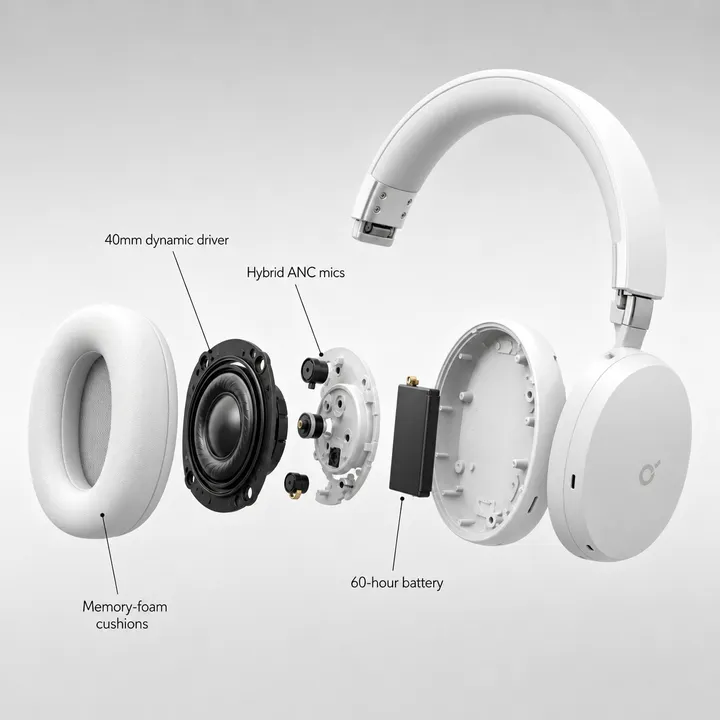
Product graphic
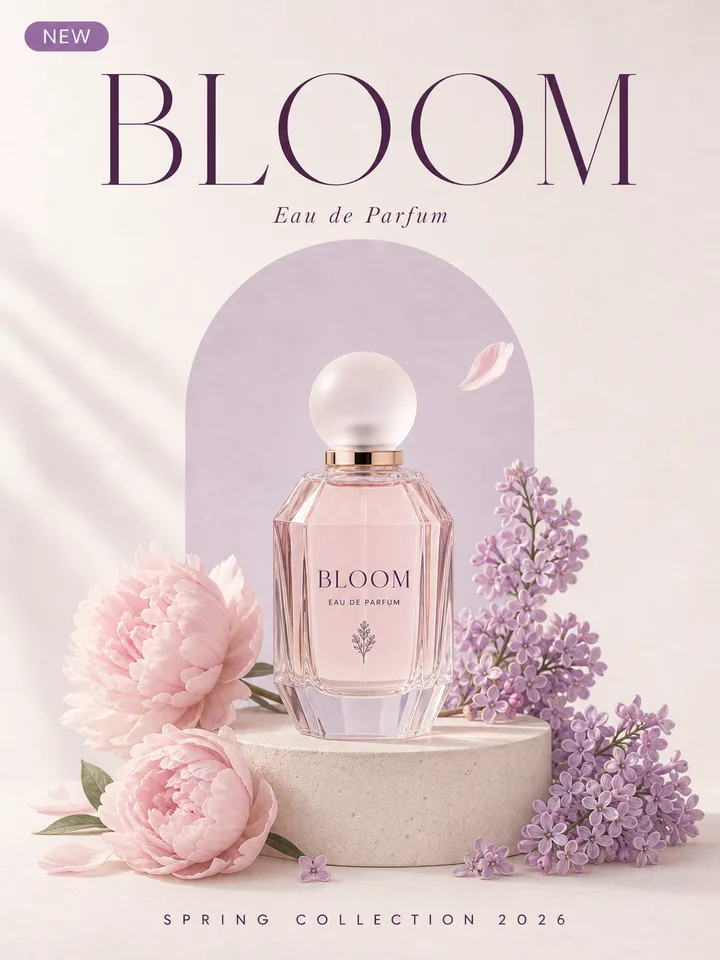
Perfume poster
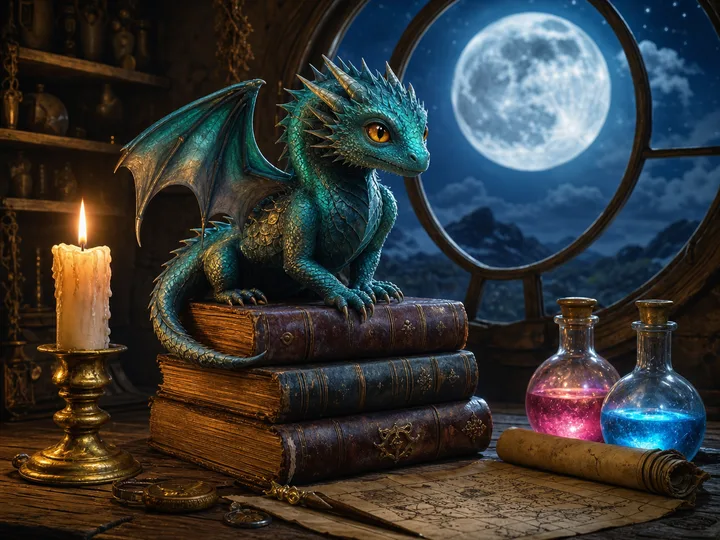
Fantasy illustration
Describe the change, keep the picture
Upload an image on the left, or use one of the prompts to try.
Short answer
Image to image AI takes a picture you already have plus a short text prompt and returns a new version of that picture: a different background, season, colors, style or an added object, with the composition kept. On this page you upload a JPG, PNG or WebP, type the change, choose Nano Banana 2 (default), Nano Banana Pro, GPT Image 2 or Seedream 5.0 Flash, and get the result back as a PNG. The same result can then be split into Photoshop layers and exported as a PSD, so the generated image is editable instead of flat. You pay per image with credits, from 1 credit on Seedream 5.0 Flash to 5 on Nano Banana Pro, and the first try is free after Google sign-in.
How it works
- 1
Upload the image
A photo, product shot, poster or AI render: JPG, PNG or WebP up to 50 MB. Or pick one of the sample images.
- 2
Describe the change, pick a model
One or two sentences on what should be different. The prompt is sent with an instruction to keep everything you did not mention.
- 3
Download, or split into layers
Compare before and after, save the PNG, or press Split into layers to get every element on its own Photoshop layer and export a PSD.
Prompts to try
Three sample images with a prompt each. Pressing one loads the image and the words into the tool; the run itself is yours to start.
Product graphic
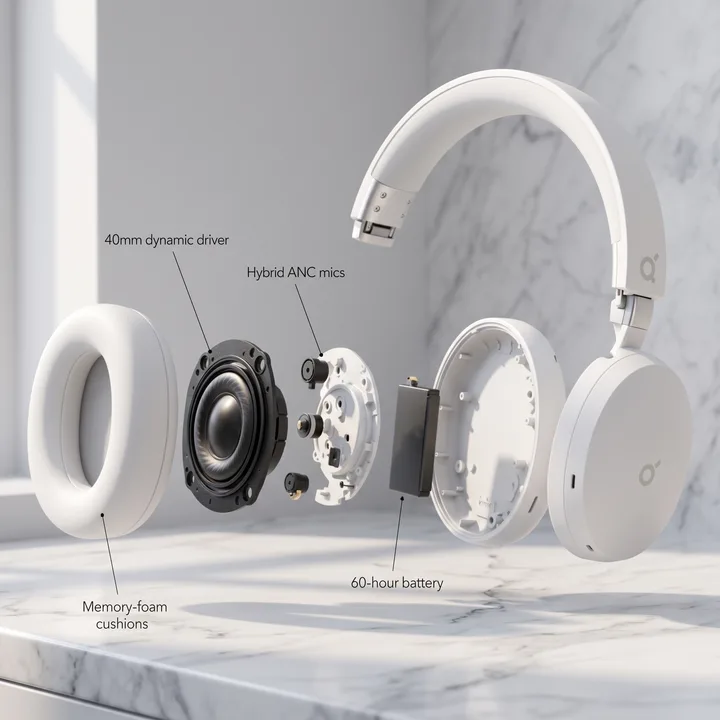
“Put the product on a marble countertop in soft morning light and keep the text where it is”
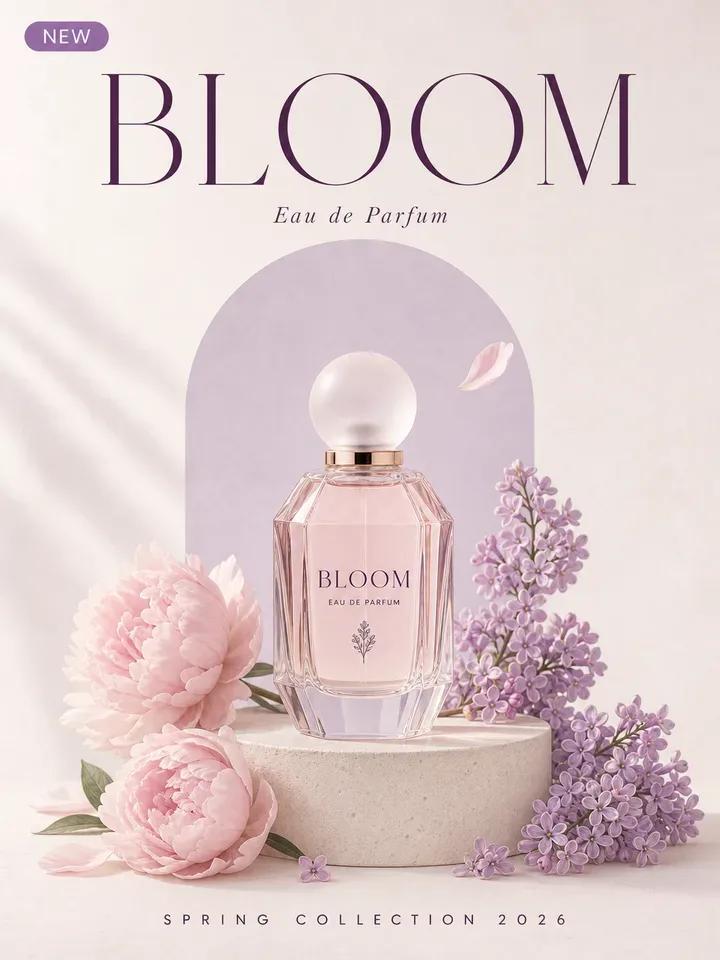
Perfume poster
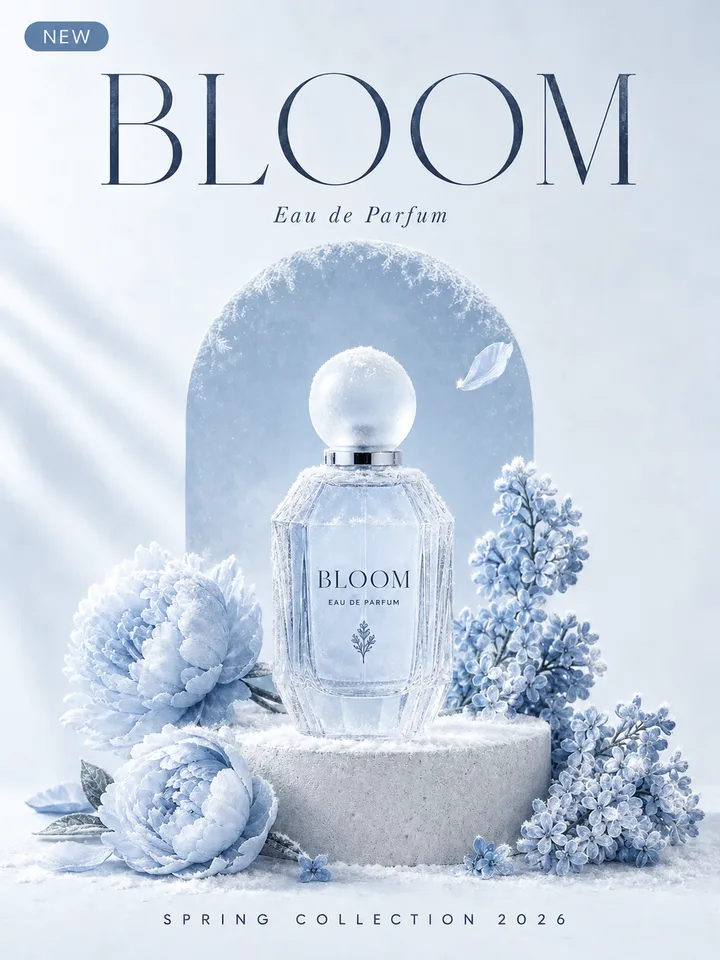
“Make it a winter edition: frost on the bottle, icy blue and silver palette, same layout and headline”
Fantasy illustration
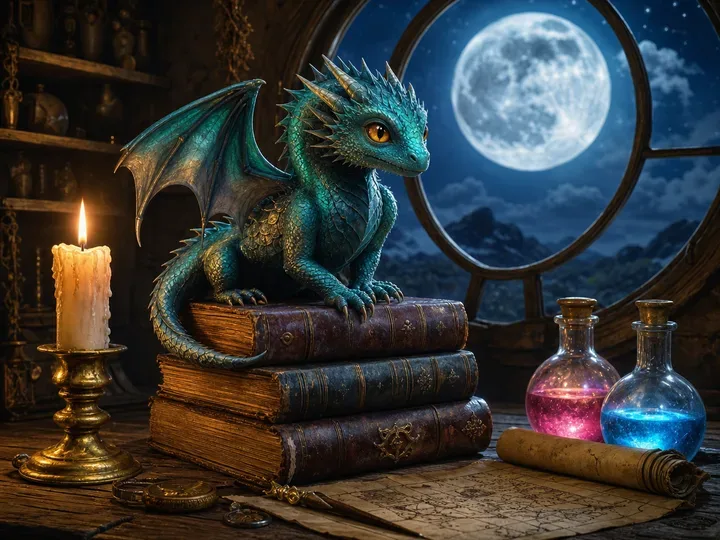
“Turn it into a daytime scene with sunlight through the window, keep the dragon and the books”
Real results, before and after
Each pair is one run on the prompt shown, as it came back with nothing retouched, with the model, time and cost of that run. All three are the sample images from "Prompts to try".
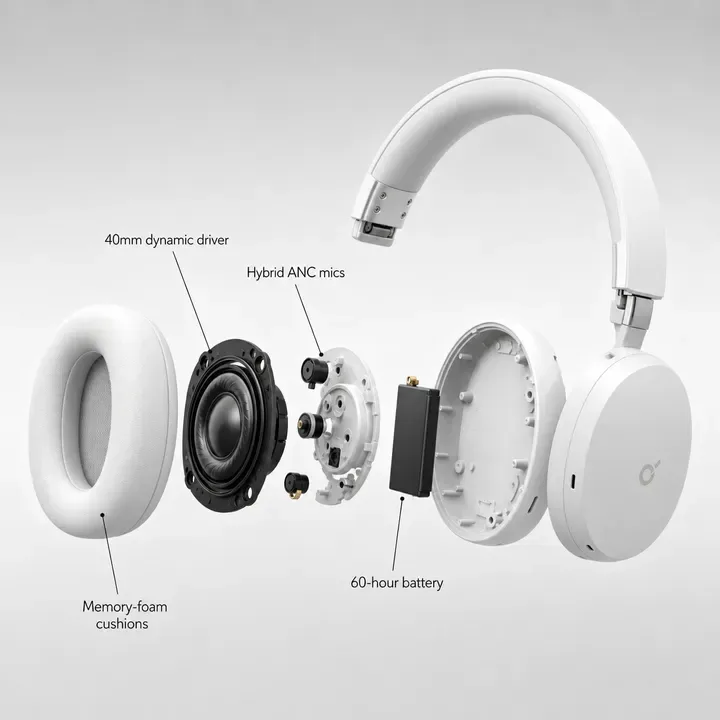 Before
 After
After“Put the product on a marble countertop in soft morning light and keep the text where it is”
Nano Banana 2 · 18 s · 3.1 credits · 2026-10-08
 Before
 After
After“Make it a winter edition: frost on the bottle, icy blue and silver palette, same layout and headline”
GPT Image 2 · 29 s · 1.7 credits · 2026-10-08
 Before
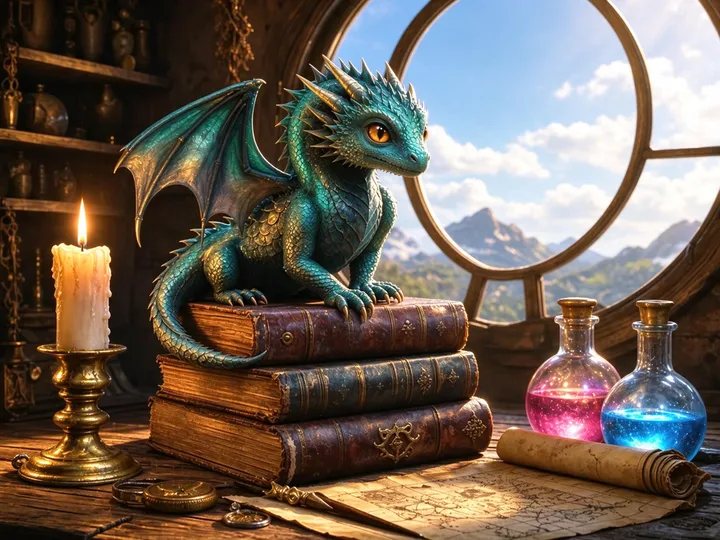 After
After“Turn it into a daytime scene with sunlight through the window, keep the dragon and the books”
Seedream 5.0 Flash · 21 s · 1 credit · 2026-10-08
At a glance
Input
One JPG, PNG or WebP up to 50 MB, plus a prompt of up to 600 characters in any language
Output
One PNG.
About 2K on Nano Banana 2, Nano Banana Pro and Seedream 5.0 Flash; GPT Image 2 at its default size and medium quality
Models and price
Nano Banana 2 3.1 credits (default), Nano Banana Pro 5 credits, GPT Image 2 1.7 credits, Seedream 5.0 Flash 1 credit per output image. Credits from $0.071, no subscription
Composition
The model is asked to change only what the prompt names and keep the framing.
The whole picture is regenerated, so small details can shift; compare before and after and keep the original
Then layers
Split into layers sends the result to the layer tool on this page
every element on its own transparent layer, the background filled in, text as editable type (beta). 1 credit per output layer on Seedream 5.0 Flash
Time
In the three sample runs on this page (2026-10-08, one run each)
18 s on Nano Banana 2, 29 s on GPT Image 2, 21 s on Seedream 5.0 Flash. Nano Banana Pro has not been timed
Free try
One free image edit, or one layer split, after Google sign-in with a Gmail account.
The free try runs Nano Banana 2, GPT Image 2 or Seedream 5.0 Flash; Nano Banana Pro needs credits
Privacy
Images go through our gateway (gen.yingtu.ai, which keeps no images) to the LaoZhang API and the model. LayerPSD stores no images. Do not upload confidential work
Content
Prompts are screened before the model runs.
Edits to real people’s faces, watermark removal and adult content are not supported
Which model to pick
All four take the same image and prompt. Prices are per output image; pick one, or run the same prompt on two and compare.
| Model | Price | Output | Notes |
|---|---|---|---|
| Nano Banana 2 | 3.1 credits | 2K | Default; 18 s on the product graphic below. In our text-edit test (2026-09-29) it kept the original lettering most closely |
| Nano Banana Pro | 5 credits | 2K | The higher-priced Nano Banana model. Credits only: not on the free try. Not timed yet |
| GPT Image 2 | 1.7 credits | Default size | Medium quality; 29 s on the perfume poster below. Close match on our text-edit test |
| Seedream 5.0 Flash | 1 credit | 2K | Cheapest; 21 s on the illustration below. In the text-edit test it changed weight and color of the lettering |
What it is not (and what to use instead)
Making a brand-new picture from text alone
Use a text-to-image model. This page starts from a picture you upload.
Face swaps or changes to a real person’s face
Not supported. Prompts and outputs are screened; see the acceptable use page. Acceptable use
Removing a watermark or logo from an image you do not own
Not supported. License the image or ask the owner for a clean copy.
Adult or violent content
Not supported. The gateway screens prompts and outputs and such runs are refused.
Only need part of this?
- Change the words only
The image text editor redraws a headline, date or price in the same font and leaves the rest alone.
- Already have the AI image
Skip the edit and split a ChatGPT, Midjourney or Gemini image straight into Photoshop layers.
- Any image to PSD with layers
The main tool: one flat image in, every element on its own layer out.
Then split it into layers
The layer tool below is the same one as on the home page. Press Split into layers on a result above and it lands here; or upload any image directly.
Layers
Resolution
Auto finds every element (up to 16 per pass). Billed per output: at most 17 credits for 17 images. Takes about 35–116 s.
New here?
11 images · 88 s · 11 credits

Background

Memory-foam cushions label
40mm dynamic driver label
Hybrid ANC mics label
60-hour battery label
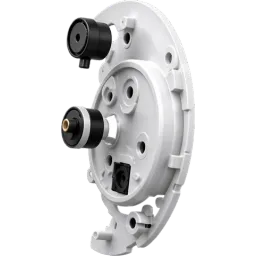
Hybrid ANC microphone assembly
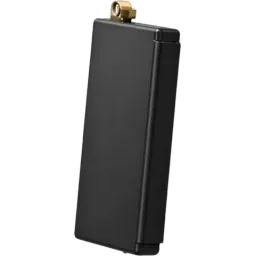
60-hour battery
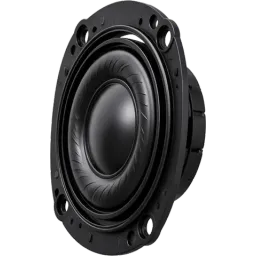
40mm dynamic driver
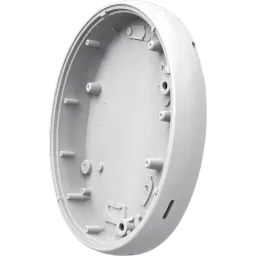
Inner headphone housing
Upload an image on the left to split your own.
Questions
Short answers on splitting, export and billing. Anything else, email us and a person replies.
Is image to image AI free?
One try is: sign in with Google (a verified Gmail account) and your first image edit, or one layer split, costs nothing and needs no card. After that you pay per image with credits: 1 credit on Seedream 5.0 Flash, 1.7 on GPT Image 2, 3.1 on Nano Banana 2 or 5 on Nano Banana Pro. Packs start at $9.90 for 100 credits and there is no subscription.
What is the best image to image AI?
It depends on the picture and the prompt, which is why this page offers four models side by side instead of one. Nano Banana 2 is the default: in our text-edit test on the same poster (2026-09-29) it kept the original lettering most closely, GPT Image 2 came close, and Seedream 5.0 Flash changed weight and color but is the cheapest. Nano Banana Pro is the higher-priced Nano Banana model. Because you pay per image, you can run the same prompt on two models and keep the better one.
Is this an AI image to image generator or an image editor?
Both names describe the same thing: a model that takes an existing image and a prompt and generates a new version of it. People call it an image to image generator, an AI image to image editor or image to image AI online; on this page it is one tool, used in the browser, with the result downloadable as PNG or split into layers.
Can I use it online without installing anything?
Yes. It runs in the browser on a computer or a phone. Upload or paste the image, type the prompt, and download the PNG. There is no app to install and nothing is saved on our servers.
Does it keep the composition of my photo?
The prompt is sent with an instruction to keep the framing and everything you did not mention, and the models generally do. The whole picture is regenerated, though, so small details can shift and faces or text may come out slightly different. Use the Before / After toggle to check, and keep the original file.
Can I edit the result in Photoshop?
Yes. Press Split into layers under the result and the picture is sent to the layer tool on this page: every element lands on its own transparent layer with the background filled in behind it, and regular-size text comes out as editable Photoshop type (beta). Export a layered PSD and move, hide, recolor or retype any part without generating again. If you already have the AI image, the AI image to PSD page does the split on its own.