Remove text from an image, keep the background
Upload the picture and press Split into layers. LayerPSD finds every line of text automatically (no brushing), cuts each onto its own layer and fills in what was behind it, so you switch the text layers off and download a clean image instead of a smudged one. It takes about 35–116 seconds at $0.018 per output layer; the flyer on this page (11 layers + background) cost $0.22.
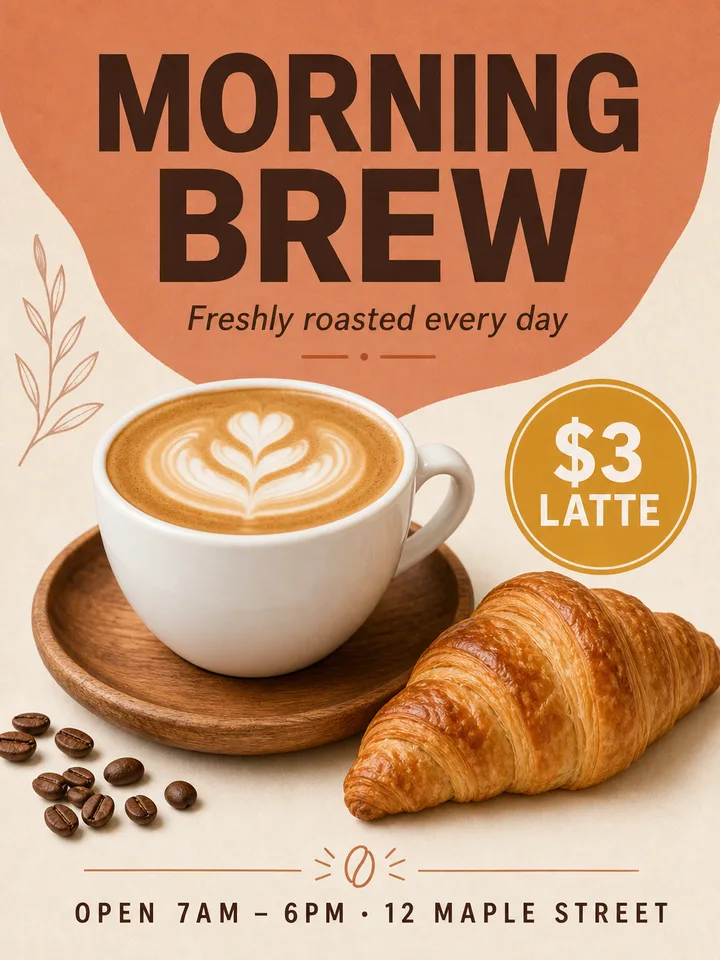

12 images · 111 s · $0.22 · Seedream 5.0 Flash
Layers
Resolution
Auto finds every element (up to 16 per pass). Billed per output: at most $0.31 for 17 images. Takes about 35–116 s.
New here?
7 images · 79 s · $0.13
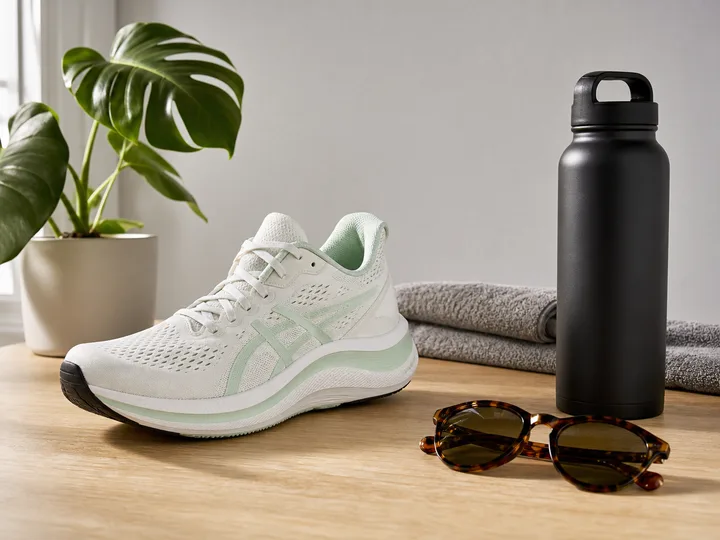
Background
Monstera plant pot
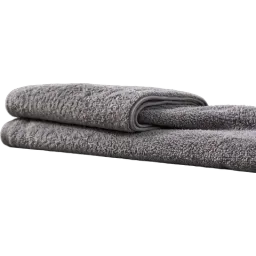
Folded grey towel
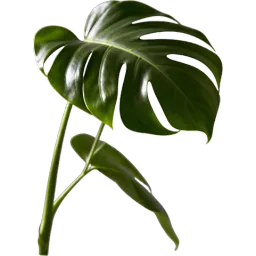
Monstera foliage
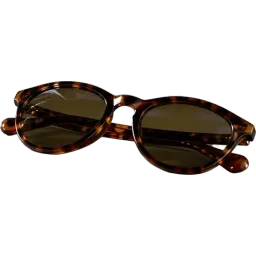
Tortoiseshell frame sunglasses
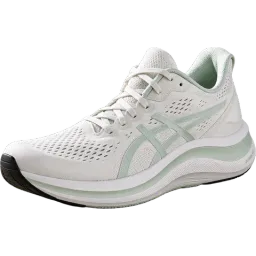
Asics sneakers
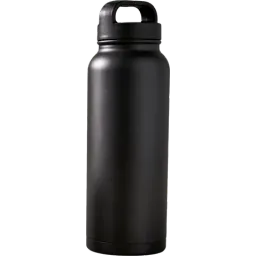
Black thermos cup
Upload an image on the left to split your own.
At a glance
What LayerPSD does, in one table
The same engine runs every page on this site. These are the facts to compare against other tools.
| Feature | LayerPSD |
|---|---|
| Text | Detected automatically, no brushing. Optional native Photoshop type layers you can double-click and retype; stroke, glow, shadow and gradient become layer styles (beta) |
| Background behind objects | Filled in (amodal inpainting), so moving or hiding a layer leaves no hole |
| Change words, keep the font | The model redraws the new words in the same lettering, including custom and hand-drawn type |
| Price | $0.018 per output image on Flash, $0.12 on Pro; background + 4 layers = $0.09. One free try with Google sign-in. No subscription |
| Privacy | The PSD is built in your browser. Images go through our gateway (gen.yingtu.ai, which keeps no images) to the LaoZhang API and the model; LayerPSD stores nothing. Do not upload confidential work |
Facts checked 2026-09-30 against the published sample runs and LaoZhang list prices. benchmarks.json
How it works
Three steps, one image
- 1
Upload the image
Drop a JPG, PNG or WebP (up to 50 MB), or paste it with Ctrl + V. Nothing to install.
- 2
Split into layers
Seedream 5.0 finds every element, cuts each onto a transparent layer and fills in the background behind it. About 35–116 seconds.
- 3
Hide the text, download
Click the eye on each text layer you want gone, then Download composite for a clean PNG, or export a PSD with the text kept as hidden layers.
What you get
- A clean image with the text gone and the background filled in behind it
- Every line of text on its own layer: remove one line, keep another
- The same text layers to move, resize or restyle instead of deleting
- PNG, ZIP of layers, or a layered PSD
What it is not (and what to use instead)
Watermarks or logos on images you do not own
License the image or ask the owner for a clean copy. LayerPSD is not for this.
Text printed on a product, like a label on a bottle or a mug
It belongs to that object's layer and stays. Change it with Edit text in image.
Changing the words rather than deleting them
Use Edit text in image: it redraws the new words in the same font.
Copying the text out as plain text
Use an OCR tool. LayerPSD returns layers, not a transcript.
By hand vs. automatic
Doing it by hand in Photoshop, and doing it here
You can do all of this in Photoshop yourself. This is what each step takes by hand, and what LayerPSD does instead.
| Step | In Photoshop, by hand | In LayerPSD |
|---|---|---|
| Select each element | Object Selection Tool, then Select and Mask for hair and soft edges, for every object | All elements found in one pass |
| Fill what was behind it | Generative Fill or Content-Aware Fill on each hole, then clean up | Background repainted automatically |
| Time for a 10-element poster | Typically 30–60 minutes | About 1–2 minutes, $0.20 on Flash |
Under the hood
How the split works
Layer decomposition
The image goes to Seedream 5.0 with layer decomposition on. The model detects each element (instance segmentation), returns it as its own RGBA image with a bounding box and a name, and returns a background with the covered areas repainted (amodal inpainting).
Assembly in your browser
Your browser places each layer at its box on the background and writes the PSD, ZIP or PNG locally. Nothing is assembled on a server.
Questions
Short answers on splitting, export and billing. Anything else, email us and a person replies.