Canva to PSD with layers
Canva has no PSD download. If you still have the design, a PDF opened in Photopea becomes a layered PSD for free; if all you have is a PNG or JPG, LayerPSD splits it into layers with editable text.
Layers
Resolution
Auto finds every element (up to 16 per pass). Billed per output: at most 17 credits a pass (17 images). A busy image runs up to 4 passes, and you can stop between them. Takes about 56–138 s.
New here?
15 images · 116 s · 15 credits

Background
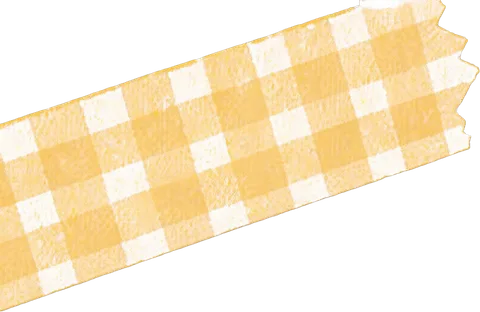
Yellow checkered tape
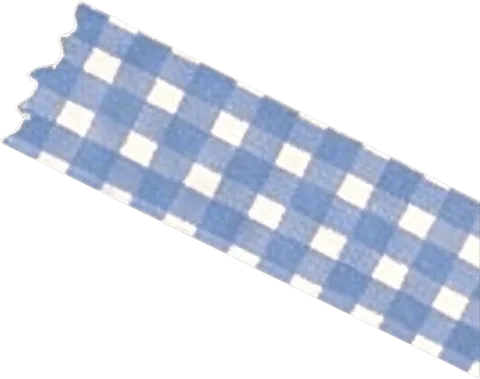
Blue checkered tape
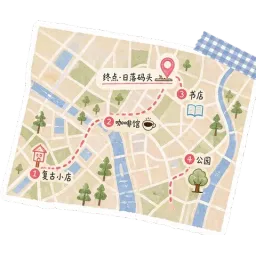
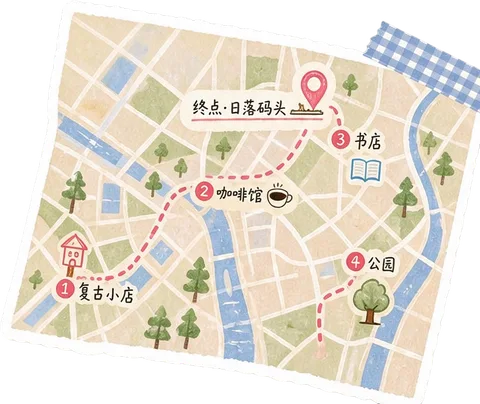
Citywalk route map
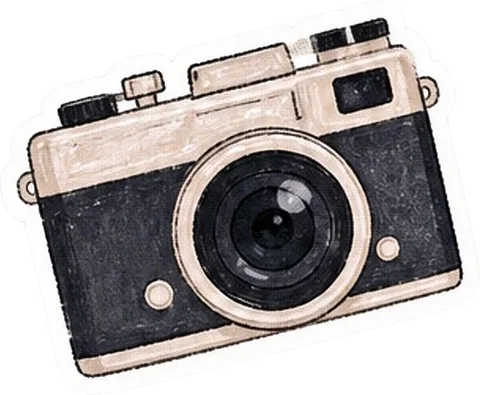
Vintage camera sticker
Green polka dot tape
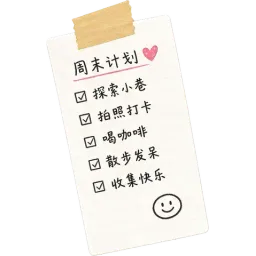
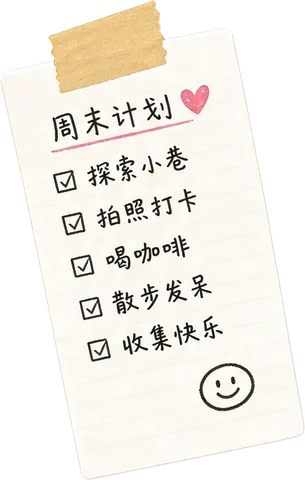
Weekend plan note
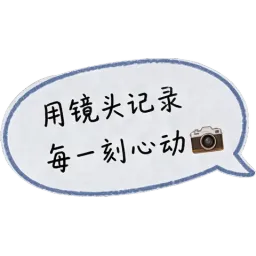
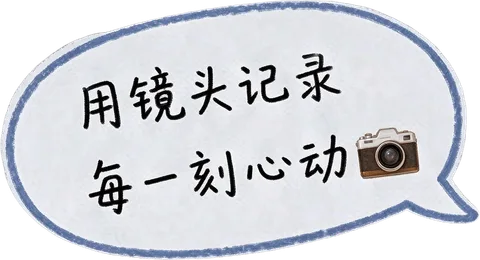
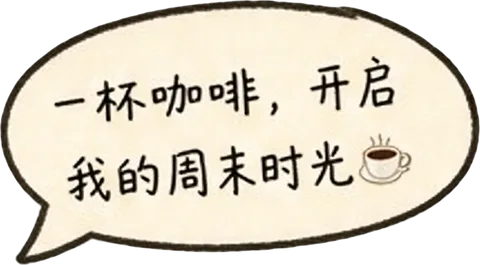
Camera speech bubble
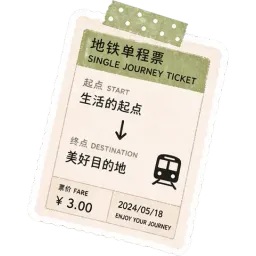
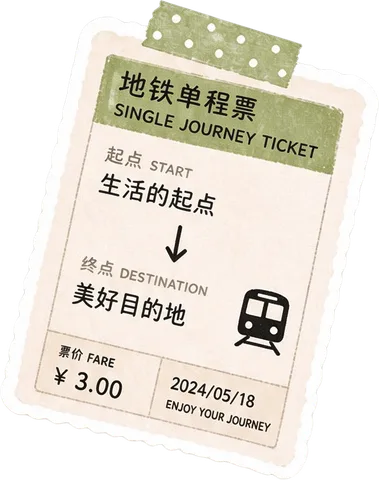
Subway one-way ticket sticker
Upload an image on the left to split your own.


Short answer
Canva cannot export a PSD: its download types are JPG, PNG, SVG, PDF, PPTX, DOCX, GIF and MP4. There are two ways to a layered PSD. If you can still open the design in Canva, download it as a PDF with Flatten PDF switched off, open the PDF in Photopea (free, in the browser), and save it as a PSD: each element becomes its own layer and the text stays live type. If all you have is the exported PNG or JPG, upload it to LayerPSD: every element is cut onto its own layer, the background is repainted behind them, and regular-size text comes back as editable Photoshop type. The first split is free after Google sign-in.
Two ways from Canva to a PSD
Which one you use depends on what you have: the Canva design itself, or only a picture of it.
You still have the Canva design: PDF → Photopea
Free- 1In Canva, open Share → Download and choose PDF as the file type (Digital or Print).
- 2Under the advanced settings, leave Flatten PDF off. Flattening merges the design into one image.
- 3Open the PDF in Photopea (photopea.com, File → Open). Each page becomes an artboard, each element a layer.
- 4Check the text layers, then File → Save as PSD.
Text arrives as live type layers with its font name, size and colour; photos arrive as Smart Objects and vector shapes as editable shapes. Install the fonts the design uses, or the text shows in a substitute font. Photos stay whole: a person on a background is still one picture.
You only have the PNG or JPG: LayerPSD
From the image- 1Download the design from Canva as PNG (or use the image you were sent).
- 2Upload it above and press Split into layers.
- 3Each element lands on its own transparent layer and the background is repainted behind them.
- 4Export "PSD with editable text" to get regular-size text as Photoshop type, or a ZIP of PNGs.
This also works when the Canva file is gone, belongs to someone else, or was flattened, and it can split the photos inside a design into parts. Text is rebuilt rather than recovered: lines the model reads become type matched by style, the rest stays as pixels.
Opening the Canva PDF straight in Photoshop does not give you layers: its Import PDF dialog turns each page into pixels, and File → Place brings the page in as one Smart Object.
PDF → Photopea or PNG → LayerPSD?
| PDF → Photopea | PNG → LayerPSD | |
|---|---|---|
| What you need | Access to the Canva design | Any flat JPG, PNG or WebP of it |
| Layers | The design's own elements, one layer each | Every element the model finds, up to 16 per pass |
| Text | Live type with the original font name; install the font | Regular-size lines rebuilt as Photoshop type, style matched; small or stylised lettering may stay pixels |
| Photos inside the design | One Smart Object per photo, not split | Split into parts, with the area behind them repainted |
| Cost | Free | One free split, then 1 credit per output layer on Flash |
A social cover laid out like a Canva template
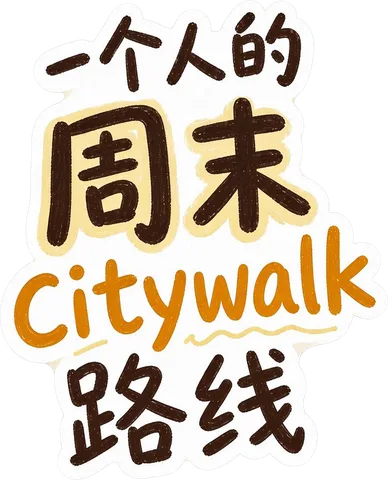
This sample is a flat PNG of a social post cover with stickers, tape, a map and a block of headline text, the kind of layout Canva templates use (it was not made in Canva). One split on Seedream 5.0 Flash at 2K returned 14 layers and the background in 116 seconds for 15 credits. Its 28 lines of text were lifted as editable type in 55 of 56 reads across two runs of our text test.
- Main title text group
- Decorative arrow lines
- Decorative star set
- Coffee cup speech bubble
- Right side speech bubble
- Coffee cup sticker
- Subway one-way ticket sticker
- Camera speech bubble
- Weekend plan note
- Green polka dot tape
- Vintage camera sticker
- Citywalk route map
- Blue checkered tape
- Yellow checkered tape
- Background
Questions
Short answers on splitting, export and billing. Anything else, email us and a person replies.
Does Canva let you download a PSD?
No. Canva's download types are JPG, PNG, SVG, PDF, PPTX, DOCX, GIF and MP4 (checked 2026-10-05). To get a PSD, download a PDF and convert it in Photopea, or download a PNG and split it into layers with LayerPSD.
How can I convert a Canva design to a PSD for free?
Download it from Canva as a PDF with Flatten PDF off, open the PDF in Photopea, and choose File → Save as PSD. Photopea turns each page into an artboard, each element into a layer and the text into type layers. It is free and runs in the browser.
Why does my Canva PDF open as one flat layer?
Either Flatten PDF was on when you downloaded it, which merges the design into a single image, or you opened it in Photoshop, whose Import PDF dialog rasterizes each page. Download again with Flatten PDF off and open the PDF in Photopea instead.
Can I open a Canva design in Photoshop with layers?
Not directly: Photoshop rasterizes a PDF page when it opens it, and File → Place brings the page in as one Smart Object. Convert the PDF to a PSD in Photopea first and open that PSD in Photoshop, or split a PNG of the design with LayerPSD and export a PSD.
Will my Canva fonts stay editable?
Through the PDF route the text stays live type and keeps its font name, so it is editable as long as the font is installed where you open it; otherwise it shows in a substitute. Through LayerPSD the text is read from the picture and rebuilt as Photoshop type in a matching style, so you do not need the font, but it is not the original typeface.
What if I only have the PNG, not the Canva file?
Upload the PNG or JPG to LayerPSD. Every element is cut onto its own transparent layer, the background is repainted behind them, and regular-size text becomes editable Photoshop type when you export "PSD with editable text". Your first split is free after Google sign-in.
Can Canva Magic Layers export a PSD?
No. Magic Layers splits a flat image into layers inside a Canva design, and those layers stay in Canva because PSD is not a Canva download type. Our Canva Magic Layers alternative page compares the two.
Sources
- Canva Help: download file types · checked 2026-10-05
- Canva Help: download designs as flattened PDF · checked 2026-10-14
- Photopea: convert PDF to layered PSD · checked 2026-10-14
- Adobe Help: open PDF files in Photoshop · checked 2026-10-14