Image to PSD with layers: split any image into editable layers
Image to layers in one step. An AI layer splitter: split any JPG, PNG or WebP into a layered PSD with editable text, up to 16 elements per pass, from $0.071 per layer.
- From $0.071 per layer
- No subscription
- One free try with Gmail
- Editable text layers
Layers
Resolution
Auto finds every element (up to 16 per pass). Billed per output: at most 17 credits a pass (17 images). A busy image runs up to 4 passes, and you can stop between them. Takes about 56–138 s.
New here?
12 images · 111 s · 12 credits
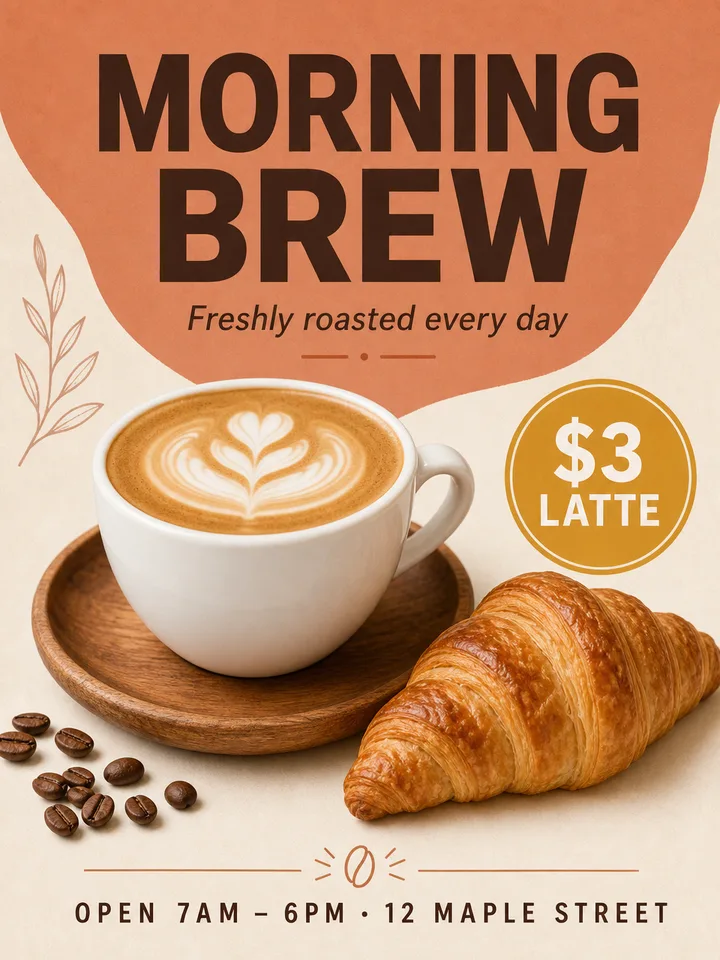

Background
Orange irregular title background
Left side plant line art decoration
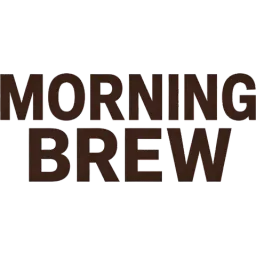
Main title MORNING BREW
Bottom decorative divider line
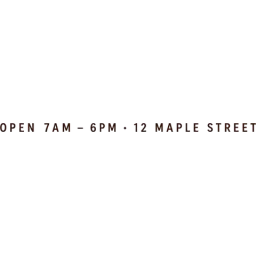
Bottom business hours and address text
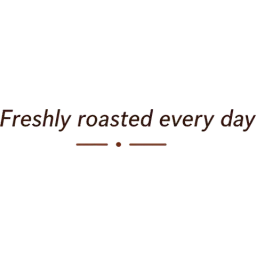
Subtitle Freshly roasted every day
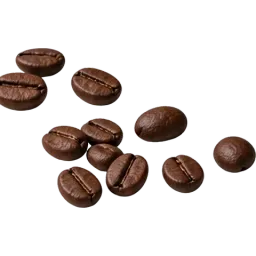
Scattered coffee beans
Gold price tag
Upload an image on the left to split your own.



Short answer
LayerPSD turns a flat JPG, PNG or WebP into a layered Photoshop file: detected elements on separate transparent layers (Auto splits up to 16 elements per pass and runs extra passes on busy images), a rebuilt background, and recognized text as editable type where supported. Fonts and rebuilt pixels may differ from the input. From $0.071 per layer, no subscription, and one free try when you sign in with a Gmail account. A busy poster on Auto usually comes back as about 11 images, so 11 credits: about $0.78–$1.09, depending on the pack.
At a glance
Input
One JPG, PNG or WebP up to 50 MB.
Posters, flyers, thumbnails, product shots, illustrations and AI-generated images.
Layers
Auto finds up to 16 elements per pass.
A busy image runs up to 4 passes, or ask for a fixed 3, 4, 6 or 8 layers.
Background
Repainted behind every element.
It comes back as its own base layer, so moving a layer leaves no hole.
Text
Regular-size text comes back as editable Photoshop type.
99% of 206 lines in our 30-design test; big decorative lettering stays a picture layer.
Downloads
Layered PSD, PSD with editable text, ZIP of transparent PNGs, single PNG layers and PowerPoint (PPTX).
Resolution and time
1K, 1.5K or 2K output.
About 56–138 seconds a pass at 2K.
Price
1 credit per output image on Seedream 5.0 Flash, 6.7 credits on Pro.
Credits from $0.071, no subscription.
Free try
One split after signing in with a Gmail account.
Flash, 1K, background + 4 layers, no card.
Try it without uploading
Open any sample on this page or on the examples page.
Every layer is there to toggle and export, with the full-size PSD to download.
How it works
Image to layers in three steps: from a flat image to a layered PSD
- 1
Upload one image
A poster, flyer, thumbnail, product banner or illustration — JPG, PNG or WebP up to 50 MB.
- 2
Split it
Seedream 5.0 finds the elements, cuts each onto a transparent layer and repaints the background behind them. Auto splits up to 16 elements per pass and runs extra passes on busy images. About 56–138 seconds.
- 3
Download the PSD
Hide, move or split any layer again, then export a layered PSD (optionally with editable text), a ZIP of PNGs, or single layers.
Real result
What one split looks like
Not a mock-up: this is the actual output of one run, with the model, time and cost it took. Download the PSD and open it yourself.
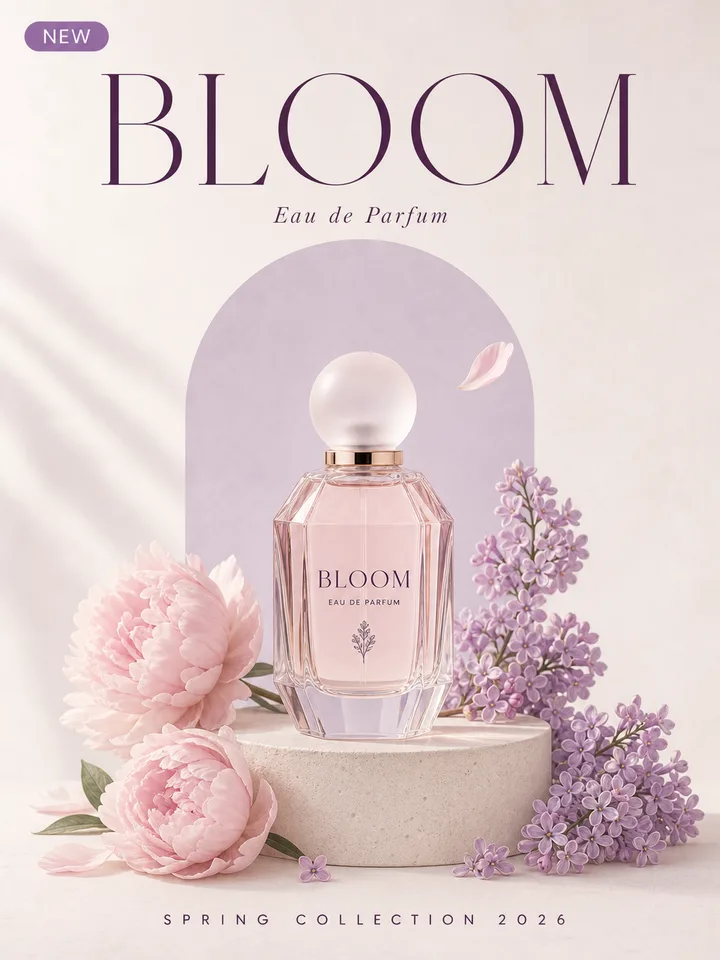
Background (hidden areas filled) + 10 layers
Background
Stone display stand
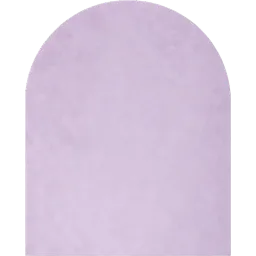
Lavender arched background panel
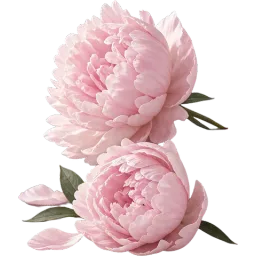
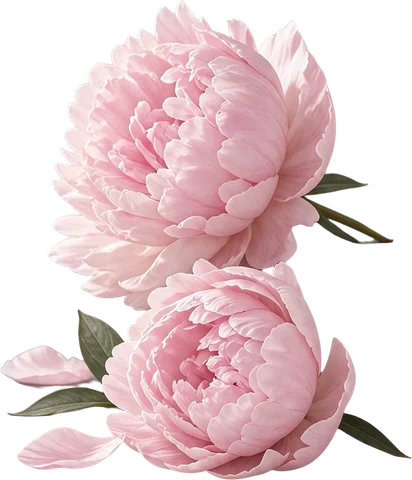
Pink peony floral group
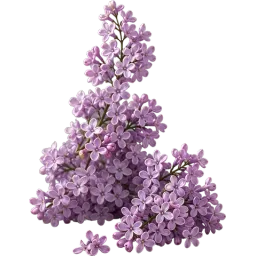
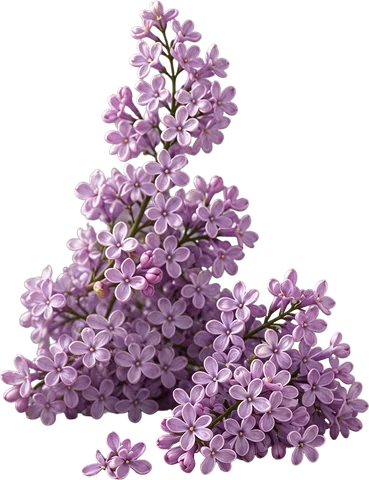
Lilac floral group
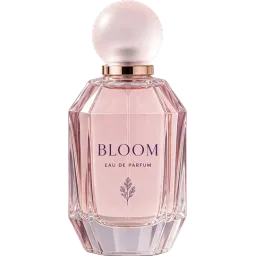
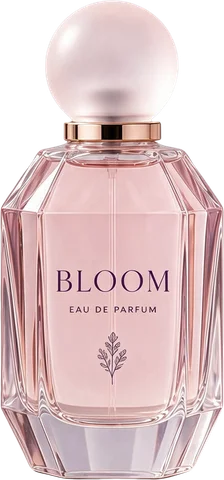
BLOOM perfume bottle
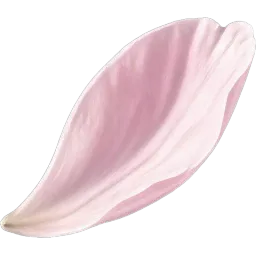
Floating pink petal
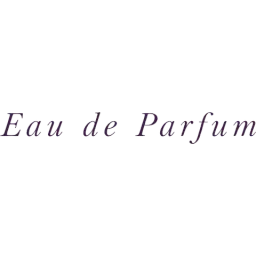
Eau de Parfum subtitle text
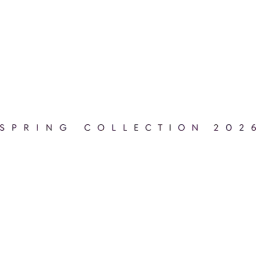
SPRING COLLECTION 2026 bottom text
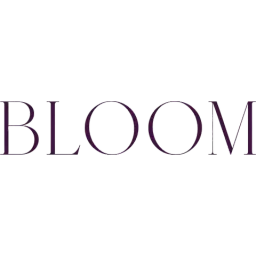
BLOOM main title text

NEW tag
Perfume poster
Seedream 5.0 Flash · 2K · 11 images · 99 s · 11 credits · run 2026-09-29
What's in the file
A PSD you can actually keep working on
One element per layer
People, products, logos, icons and blocks of text each land on their own transparent layer, named by what they contain.
Background filled in
The base layer is the scene with the elements removed and the hidden area repainted, so you can move things without leaving holes.
Editable text
Every line of regular-size text is read before the split and comes out as real Photoshop type, with stroke, glow, shadow and gradient as layer styles: 99% of 206 lines in our 30-design test. Big headlines and lettering on artwork stay as pixels until you export with editable text.
Split any layer again
A grouped layer can be split once more; the pieces nest under it, as deep as you need.
Change the words, keep the lettering
Retype a text layer and the model redraws the new words in the same font style, color and effects.
PSD, ZIP or PNG
A standard RGB PSD opens in Photoshop, Photopea, Affinity and GIMP. The ZIP keeps the same layer order as numbered PNGs.
Edit text
Only need to change a word?
Fix a typo, a price or a date right in the image — same font, same color, one image, from 1 credit (2.5 on the recommended model).
Edit text in an image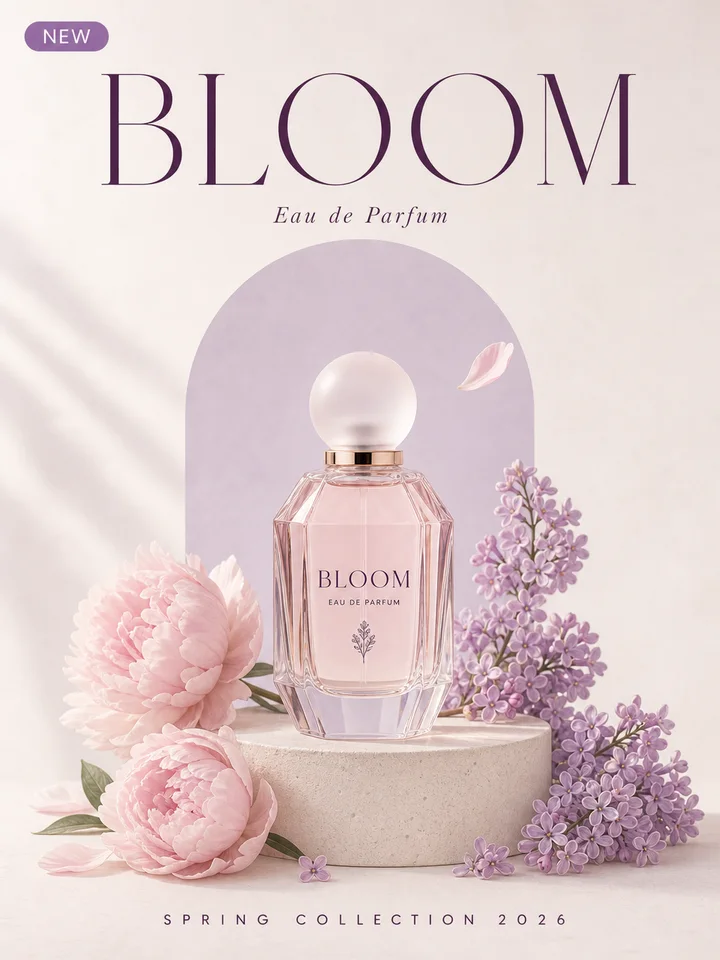
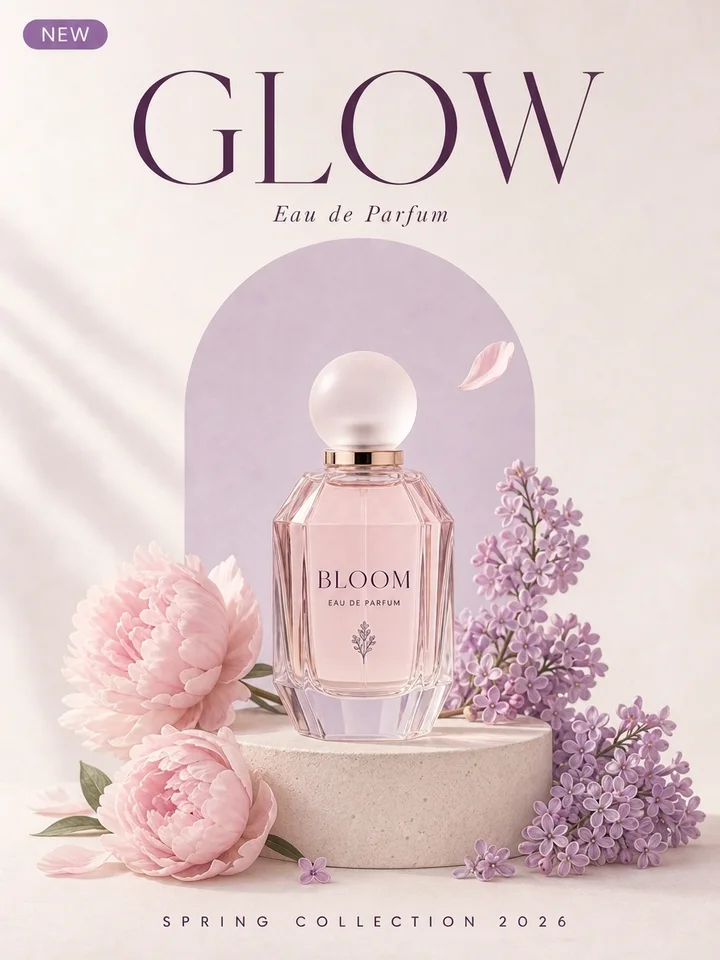
BLOOM GLOW · Nano Banana 2.1 · ~20 s
Not a file converter
Why “JPG to PSD” usually gives you one layer
Most image-to-PSD converters only change the file format. The picture is still one flat layer inside the PSD. Splitting is a different job.
JPG to PSD converter
Wraps the image in a PSD with a single layer
Layers
No
Background filled
No
Editable text
No
Background remover
Cuts out one subject
Layers
1 cutout
Background filled
No
Editable text
No
LayerPSD
Splits every element and repaints the background
Layers
Up to 16 per pass, more on request
Background filled
Yes
Editable text
Yes
Is LayerPSD the right tool?
Use it when you need the picture itself in pieces. Skip it when a simpler tool already does the job.
Good fit
- A flat poster, banner or thumbnail you need to edit as layers
- Removing or changing text while keeping the background
- Making an AI-generated image editable in Photoshop
- Pulling every object out as transparent PNGs at once
Not the right tool
- Only changing .jpg to .psd with one layer — a free converter does that
- Cutting out a single subject — use a background remover
- Vector output (SVG) — use a vectorizer
- Recovering a designer's original PSD — ask the designer
By hand vs. automatic
Doing it by hand in Photoshop, and doing it here
You can do all of this in Photoshop yourself. This is what each step takes by hand, and what LayerPSD does instead.
Step
In Photoshop, by hand
In LayerPSD
Select each element
In Photoshop, by handObject Selection Tool, then Select and Mask for hair and soft edges, for every object
All elements found in one pass
Put it on its own layer
In Photoshop, by handLayer via Copy or a layer mask, one by one
Every element already on a transparent layer, named
Fill what was behind it
In Photoshop, by handGenerative Fill or Content-Aware Fill on each hole, then clean up
Background repainted automatically
Make text editable
In Photoshop, by handMatch Font, then retype each line and rebuild stroke and shadow
Export native type layers with effects as layer styles
Time for a 10-element poster
In Photoshop, by handTypically 30–60 minutes
About 1–2 minutes, 11 credits on Flash
Pay per layer. No plan to cancel.
Every run is billed by the images it returns: 1 credit each on Flash, 6.7 credits on Pro. Your first try is free when you sign in with a Gmail account.
- 4 layers
- 5 credits
- 8 layers
- 9 credits
- Auto, busy poster
- 11 credits
- First try
- Free
Questions
Short answers on splitting, export and billing. Anything else, email us and a person replies.
How can I convert a picture to layers?
Use an image to layers converter: upload the picture here and press Split into layers. The model separates each element onto a transparent layer and fills in the background behind them, then you download a layered PSD. On Seedream 5.0 Flash it costs 1 credit per output image; one run returns the background plus up to 16 layers.
Can a JPEG be a layered file?
No. JPEG and PNG store one flat image, which is why a plain JPG-to-PSD converter gives you a single layer. To get real layers the image has to be taken apart — that is what the AI split does.
How do I convert a PNG to a layered PSD?
Saving or renaming a PNG as .psd gives a PSD with one layer, because a PNG holds one flat image. A PNG to PSD with layers converter has to take the picture apart instead. Upload the PNG here: each element (people, products, text, logos) goes onto its own transparent layer, up to 16 per pass on Auto, the background behind them is filled in, and about one to two minutes later you download a PSD that opens in Photoshop, Photopea or Affinity. Social media graphics, banners and thumbnails work the same way. The first split is free with a Gmail sign-in.
How do I convert a JPG into a layered PSD online?
For JPG to PSD with layers, upload the JPG on this page, leave the layer count on Auto (or pick 3, 4, 6 or 8) and press Split into layers. About one to two minutes later every element (people, products, text, logos) is on its own transparent layer with the background filled in behind it; download the PSD and open it in Photoshop, Photopea or Affinity. The first split is free with a Gmail sign-in (1K, background + 4 layers); after that each output image costs 1 credit on Flash. To see the result before uploading anything, open one of the samples: every layer can be toggled and exported.
Are these the original layers of the design?
No. A flat image does not remember how it was built. The layers are rebuilt by the model from what it sees, and areas that were covered are repainted, so fine details can differ from the original file.
How do I unflatten a flattened image into editable layers?
You cannot undo the flattening itself: a flat JPG or PNG keeps only the final pixels, not which object each pixel belonged to, and whatever was covered is gone. What you can do is rebuild the layers. By hand in Photoshop that means Select Subject or the Object Selection tool, a layer mask and Generative Fill for every element in turn, typically 30–60 minutes for a 10-element design. Here it is one upload: every element goes onto its own transparent layer (up to 16 per pass on Auto), the covered areas behind them are repainted, text comes back as layers you can export as editable type, and you download the PSD about one to two minutes later. The repainted areas are new pixels, so check them before you reuse the file.
I lost the PSD and only have the JPG of my design. How can I get the layers back?
Look for the original first: Photoshop’s auto-recovery files, Creative Cloud version history, backups, old email attachments, or the designer who made it. The JPG itself does not contain the layers, so no tool can recover them from it. If the PSD is gone for good, rebuild it: upload the JPG here and press Split into layers. Each element and line of text comes back on its own transparent layer with the background filled in, and “PSD with editable text” turns the text it can read into Photoshop type. It is a rebuilt file, not your original: fonts are matched by style rather than by name, and covered areas are repainted.
How do I make a ChatGPT or Midjourney image editable in Photoshop with separate layers?
Images from ChatGPT, Midjourney and Gemini download as one flat picture, so Photoshop opens them as a single layer. Download the image at full size (in Midjourney, upscale it first), upload it here and press Split into layers. About one to two minutes later the character, each object and each line of text are on their own transparent layers with the background filled in, and the PSD opens in Photoshop. If you can still regenerate, another route is to ask ChatGPT for each element separately on a transparent background and stack them yourself; splitting keeps the exact image you already chose.
What tool can break a social media graphic into editable layers?
If you stay in Canva, Canva Magic Layers separates an uploaded graphic into editable elements inside a Canva design, but Canva does not download PSD. If you need a layered file for Photoshop, Photopea or Affinity, upload the graphic here: posts, stories, banners and thumbnails come back with each photo, shape, logo and line of text on its own transparent layer and the background filled in. Export “PSD with editable text” to get the text as Photoshop type, or a ZIP of PNGs to rebuild the post in another editor. The first split is free with a Gmail sign-in.
How many layers do I get?
Choose Auto to split as finely as possible (up to 16 elements per pass, with extra passes on busy images), or ask for 3, 4, 6 or 8 layers and the model merges the rest into them. Fewer layers cost less and finish sooner.
Is it free?
Sign in with a Gmail account for one free try (a 1K split into background + 4 layers, or one text edit). After that you pay with credits, billed per output image: 1 credit on Flash or 6.7 credits on Pro. Credits come in one-time packs; there is no subscription.
Is there a free online tool to separate an image into layers and download a PSD?
Yes. LayerPSD splits an image into layers online, in the browser, and the first split is free: sign in with a Gmail account for a 1K split into background + 4 layers, with PSD and ZIP export. After that each output image costs 1 credit on Flash. If it has to be free every time, Photopea is a free online editor that saves PSD files, but there you cut each layer out by hand.
Is LayerPSD an AI layer splitter or layer extractor?
Yes, that is the same job under another name: an AI layer splitter, layer extractor or image layer separator takes one flat picture apart into separate transparent layers, and LayerPSD does exactly that, then writes them into a PSD with the background filled in and the text as editable type. Up to 16 elements per pass, 1 credit per output image on Flash.