Convert JPG to PSD with layers
A normal JPG to PSD converter only changes the file format: the picture sits in the PSD as one flat layer. LayerPSD separates the JPG itself. Background, text and objects each go on their own Photoshop layer, the background is filled in behind them, and you download a layered PSD that opens in Photoshop, Photopea, GIMP and Affinity. $0.018 per output layer on Seedream 5.0 Flash, $0.12 on Pro, no subscription.

Layers
Resolution
Auto finds every element (up to 16 per pass). Billed per output: at most $0.31 for 17 images. Takes about 35–116 s.
New here?
11 images · 99 s · $0.20


Background
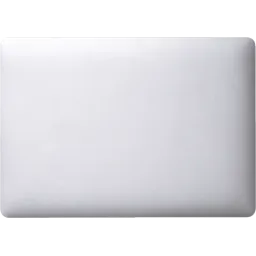
Silver laptop

Brown kraft paper notebook
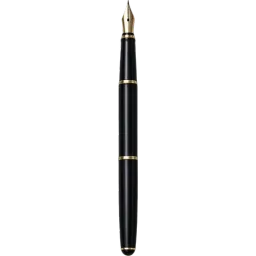
Black fountain pen

White over-ear headphones

White cup with black coffee
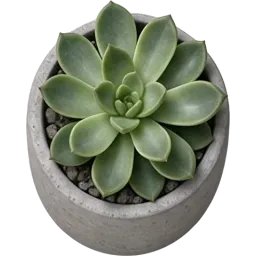
Potted succulent
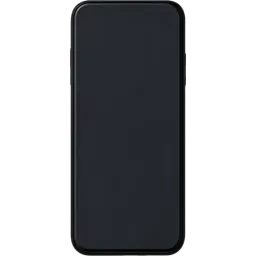
Black smartphone
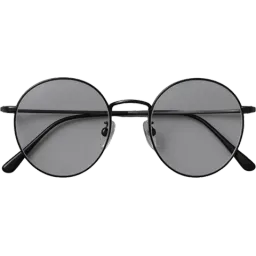
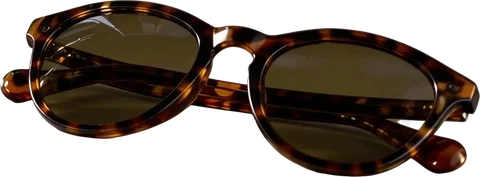
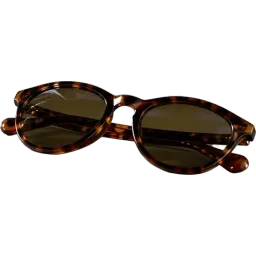
Black-rimmed round glasses
Upload an image on the left to split your own.
At a glance
What LayerPSD does, in one table
The same engine runs every page on this site. These are the facts to compare against other tools.
| Feature | LayerPSD |
|---|---|
| Output | Layered PSD (RGB), ZIP of transparent PNGs, single PNGs, or a PNG of the visible layers |
| Layers | Every element on its own layer: Auto (up to 16 per pass, extra passes for busy images) or a fixed 3, 4, 6 or 8 |
| Background behind objects | Filled in (amodal inpainting), so moving or hiding a layer leaves no hole |
| Price | $0.018 per output image on Flash, $0.12 on Pro; background + 4 layers = $0.09. One free try with Google sign-in. No subscription |
| Speed and size | 35–116 s per split; input up to 50 MB; output 1K, 1.5K or 2K |
Facts checked 2026-09-30 against the published sample runs and LaoZhang list prices. benchmarks.json
How it works
Three steps, one image
- 1
Upload the image
Drop a JPG, PNG or WebP (up to 50 MB), or paste it with Ctrl + V. Nothing to install.
- 2
Split into layers
Seedream 5.0 finds every element, cuts each onto a transparent layer and fills in the background behind it. About 35–116 seconds.
- 3
Export the PSD
Check the layers, hide or split any of them again, then export a layered PSD, a ZIP of PNGs or single layers.
What you get
- Background, text and every object on separate layers
- The background filled in, so moving things leaves no holes
- Layers named by what they contain
- Optional editable text layers with stroke, glow and shadow as layer styles (beta)
What it is not (and what to use instead)
Just changing .jpg to .psd with one layer
Any free converter does that, for example Photopea: open the JPG, then File → Save as PSD.
Getting back the designer's original PSD
Ask the designer. LayerPSD rebuilds layers with AI; it cannot recover a file that no longer exists.
Vector shapes (SVG, AI, EPS)
Use a vectorizer. Layers here are pixels.
By hand vs. automatic
Doing it by hand in Photoshop, and doing it here
You can do all of this in Photoshop yourself. This is what each step takes by hand, and what LayerPSD does instead.
| Step | In Photoshop, by hand | In LayerPSD |
|---|---|---|
| Put it on its own layer | Layer via Copy or a layer mask, one by one | Every element already on a transparent layer, named |
| Fill what was behind it | Generative Fill or Content-Aware Fill on each hole, then clean up | Background repainted automatically |
| Time for a 10-element poster | Typically 30–60 minutes | About 1–2 minutes, $0.20 on Flash |
Under the hood
How the split works
Layer decomposition
The image goes to Seedream 5.0 with layer decomposition on. The model detects each element (instance segmentation), returns it as its own RGBA image with a bounding box and a name, and returns a background with the covered areas repainted (amodal inpainting).
Assembly in your browser
Your browser places each layer at its box on the background and writes the PSD, ZIP or PNG locally. Nothing is assembled on a server.
Questions
Short answers on splitting, export and billing. Anything else, email us and a person replies.